Picture this: you and I are sipping coffee and debating whether to let an insurer track your driving with a little gadget, or just use your phone. You squint and ask: "Zego is app-only, right? So no physical black box? How long does a black box fitting take? Do engineers really come to my house? And where do they hide that little box?" Good questions. Let’s walk through the choices the way you'd decide whether to buy a toaster or a pressure cooker - practical, with a bit of skepticism.
Three key things that actually matter when comparing telematics options
When you’re weighing app-only tracking against a physical black box, ignore the marketing fluff. Focus on three concrete factors:
- Installation friction - Do you need an engineer appointment? Is there a long wait? Will someone be under your dash fiddling with wiring? Data quality and accuracy - How well does the system detect speed, harsh braking, cornering, and location? Can it be fooled? Practical outcomes - How does this affect your insurance price, claims handling, privacy, and day-to-day life?
Think of it like choosing a GPS device. If it takes ages to set up, has spotty signals, or gives wrong directions, you won't use it. Same with telematics.
Traditional black box fitting: how it works, the pros, and the real costs
Traditional black box insurance typically means a small hardware unit is installed in your car. Insurers like Admiral and others have used this approach for years. They either send a kit that an approved engineer installs, or they book a home visit.
What happens during a black box fitting
Most engineers aim to be quick and discreet. Typical steps:
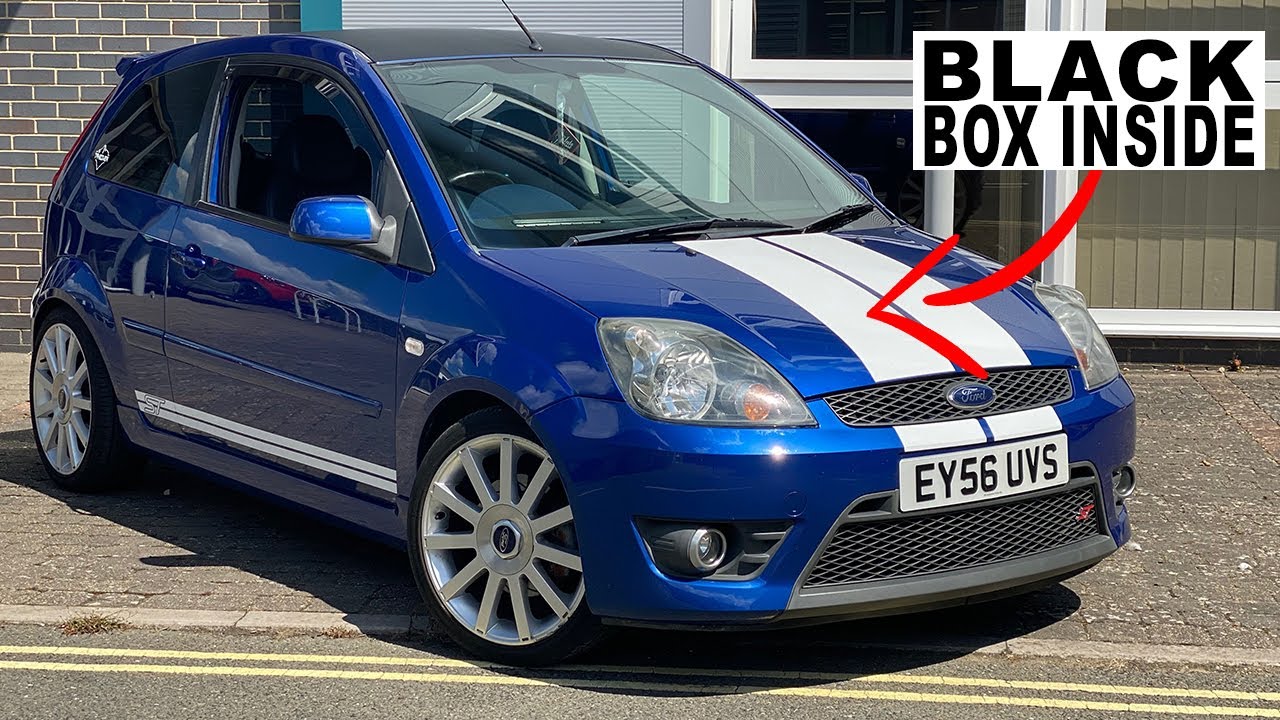
- Locate a suitable mounting spot - usually tucked under the dashboard, near the steering column, or fixed to the vehicle wiring looms where it gets constant power. Tap into power and ground - some devices plug into the OBD-II port, others are hardwired so they are less visible and harder to tamper with. Secure the unit and run a diagnostic - the fitter often checks connectivity and ensures the device can send data to the insurer's servers.
Typical time? Between 15 and 60 minutes. Most fittings are closer to 20-30 minutes if there are no surprises. If the fitter needs to access awkward wiring or modify clips, it can stretch longer. If your car has an unusual setup, expect extra time.
Pros of a physical black box
- Generally more reliable data because of dedicated hardware and sensors (GPS, accelerometers). Harder to tamper with if fitted under dash or hardwired. Good for insurers who want consistent, standardized telematics across drivers. Can be used to support claims with objective trip data.
Cons of a physical fitting
- Installation hassle - you might need to book a slot, wait for an engineer, and give them access to your car. Potential cost or deposit - some policies require returning the box when you cancel, and you might lose a deposit if the box is damaged. Visibility - while many devices are hidden, there’s still something physically in your car. Less flexible if you change cars often - insurers usually limit transfers or require reinstallation.
In contrast to apps, hardware is built for consistency. Think of it as a dedicated kitchen appliance - once installed, it works regardless of what phone you carry into the car.

App-only telematics like Zego: what changes and why it matters
App-only telematics flips the script. Instead of a dedicated unit installed in the car, your smartphone becomes the sensor pack. Companies like Zego often use an app to track trips, speed, braking, and location.
How app-based tracking functions
- Your phone uses GPS, accelerometer, and sometimes gyroscope data to record trips. The app processes this data to score driving behavior and report it to the insurer. Some apps add features like trip tagging, reminders, and driving tips to improve scores.
Advantages of app-only telematics
- Zero physical installation - no engineer, no wiring, no waiting rooms. Immediate setup - download, sign in, and drive. Easy transfer between cars - as long as you have your phone, it works. Lower overhead for insurers, which can translate to more competitive pricing for certain customers.
Drawbacks you should not overlook
- Phone dependency - dead battery or phone left in house equals no tracking or missed discounts. GPS jitter and sensor limits - phones vary by model, and they are not optimized for vehicle telematics, so accuracy can suffer. Higher potential for cheating - placing the phone on the front seat or using another device can spoof trips more easily than a hidden box. Privacy concerns - apps can collect a wide range of phone data unless you check settings carefully.
On the other hand, apps are like using your smartphone as a camera instead of buying a dedicated DSLR. For many people the convenience and lower cost outweigh the slight loss in picture quality.
Other viable telematics approaches worth comparing
Don’t assume it’s only black box vs app. There are hybrid and alternative options that deserve attention.
Self-fit OBD-II plug-in devices
These devices plug into the vehicle’s OBD-II port under the dash. You can often install them yourself in minutes. They collect engine and vehicle data alongside GPS.
- Pros: Easy to install, richer vehicle data than phone alone, cheaper than engineer-fitted hardwiring. Cons: Visible and easy to unplug, some vehicles have awkwardly placed OBD ports.
Mail-order kits with simple attachment
Some insurers post a small unit and instructions. You or a local fitter clips it in place. It’s a middle ground between app-only and professional fitting.
- Pros: No waiting for an engineer, more secure than phone alone. Cons: Potential for incorrect installation, limited warranty on user-fitted devices.
Usage models that matter: PAYD vs P2P
Look at how the policy charges you. Pay-as-you-drive (PAYD) bases cost on mileage. Pay-how-you-drive (PHYD) looks at behavior. Different device types excel at different models. Physical boxes excel at consistent behavior scoring. Apps are flexible for mileage discounts where start-stop detection matters.
Contrarian angle: when tracking is a sales trick
Insurers love granularity because it allows them to finely tune pricing. That sounds fair in theory, but in practice it can penalize a driver who makes one mess-up trip while rewarding habitual risky driving patterns that the algorithm misinterprets. In contrast to the pitch that telematics is all about fair pricing, sometimes it’s just creating complexity that benefits insurers. Be alert.
How to choose the right telematics setup for your situation
Picking the right option comes down to lifestyle, risk tolerance, and practicalities. Here’s a straightforward decision guide.
If you want minimal fuss: Choose app-only. No appointments, immediate setup. Good for occasional drivers who don't change phones often. If you want the most reliable tracking: Go with a professionally fitted black box. Best for younger drivers or anyone who wants the added security against tampering and the consistency physical sensors provide. If you change cars or rent often: Prefer an app or a self-fit OBD device that you can move around without calling an engineer. If privacy worries you: Read the app permissions and insurer’s data policy. A hardware-only box might collect less personal phone metadata, but it still gathers trip and location data. If cost is the driver: Compare discounts and small-print conditions. App-only policies can be cheaper but watch for penalties if you forget to carry your phone.In contrast to a one-size-fits-all recommendation, your decision should be situational. If you commute in heavy traffic and worry about GPS errors penalizing you, the hardware route may be safer. If you drive infrequently and value convenience, the app track is better.
Advanced techniques insurers use that you should ask about
- Sensor fusion - combining GPS with accelerometer and vehicle diagnostics to improve accuracy. Trip classification - algorithms identify types of roads and driving contexts to weight events differently. Machine learning models that adapt scoring over time - ask whether your driving history can change the default sensitivity. Privacy controls - some apps allow you to opt-out of granular location logging while still getting scores.
Ask insurers whether they use any of these methods. The presence of smarter processing can offset raw hardware limitations.
Final verdict: practical tips and a short checklist before you sign
Here's a compact checklist to run through before choosing any telematics product or policy.
- How long will installation take and who pays? If an engineer is needed, get estimated appointment windows. Where is the device fitted? Under dash, OBD-II, or windscreen? Ask for a photo of a typical installation if you’re unsure. What data is recorded and how long is it stored? Insist on clarity about location logs and third-party sharing. Can you transfer the device if you change cars? What's the procedure for moving or returning a device? What happens during a claim? Does recorded telematics data help you or just the insurer? What are the penalties for missed trips or device tampering?
Think of telematics like a personal trainer. affordable car insurance options for young drivers You can get better results with a dedicated coach (physical box) or use an app that nudges you when it notices bad habits. Both can work, but they suit different people.
To sum up: Zego and similar services offer the low-friction app-only option - great for convenience and flexibility. Traditional insurers that fit a "little box" still have a role when you want rock-solid, tamper-resistant data. Fitting usually takes under an hour, often much less, and the device typically hides under the dash or ties into the OBD port. Choose based on how much setup pain you can tolerate, how often you change cars, and how much you trust software versus hardware. Be practical, read the small print, and don’t let shiny dashboards blind you to the real trade-offs.